Resources
Presenter Checklist (Make a copy or download these important key dates!)
EDU25 PowerPoint Template for Download (Optional to Use)
Session Materials
Yes. These are due by October 20. We ask that you upload your presentation slides (PPT/PPTx) and a copy of your slides (PDF) prior to the conference for attendees to view as a resource. (EDUCAUSE will post them to your session listing in the online agenda and mobile app.)
Important Note:
-
This statement below appears on the EDUCAUSE PowerPoint template and highlights the terms of the permission agreement you accepted in EDUCAUSE's Publishing Agreement. Please also include this statement on one of your slides:
This presentation leaves copyright of the content to the presenter. Unless otherwise noted in the materials, uploaded content carries the Creative Commons Attribution 4.0 International (CC BY 4.0) license, which grants usage to the general public, with appropriate credit to the author.
Yes. EDUCAUSE strives to hold meetings, conferences, and other professional events where all attendees feel welcome and barriers of any type do not exclude people from attending or participating. We ask that you take the time to review the Accessibility Information for Presenters section to help you create and deliver a presentation that all attendees can enjoy.
1) Your final presentation that will be presented in the meeting room onsite needs to be uploaded as a PPT/PPTx.
2) Supplemental materials such as handouts should be uploaded as PDFs.
3) A copy of your presentation slides (that will serve as a resource for attendees) should be converted to a PDF that is accessible. See below for instructions on converting a copy of your presentation as a resource. File sizes should be 2GB or smaller.
- ✓ First find and fix any accessibility issues using PowerPoint’s Accessibility Checker.
- ✓ Select File > Save As and choose where to store your PDF. Do NOT select “Print to PDF” or “Save as Adobe PDF”!
- ✓ Change “Save As” type to PDF (*.pdf).
- ✓ Fill the Title field with the title of your PowerPoint presentation.
- ✓ Select the “More Options” button near the title of your document and then select “Options.”
- ✓ Check both “Document Properties” and “Document structure tags for accessibility” boxes.
- ✓ Select “Save” and close Options.
- ✓ Select “Save” to convert PDF.
Any changes to your presentation after this date MUST be made onsite in the Speaker Ready Room (Room 202, Level 2). Please bring in an updated presentation on a USB drive. Our speaker ready room tech support will be there to assist and answer any questions.
You will receive an email from your speaker manager in early October with a link to upload these into the speaker portal. All presenters will receive the email; however, designate only one presenter to upload your material to avoid confusion. When you get the link, please follow the detailed instructions to have this completed by the due date.
Your Presentation
This is a tough question to answer since...it depends. It depends on your presenting skills and comfort level with the content. A good rule of thumb, though, is that for every hour you spend presenting, you want to spend 10x that time preparing. Preparation is the single most important part of making a successful presentation!
Don’t skip any of the preparation steps:
- Strategy and Logistics: Know who you are speaking to, why you are speaking, so you can figure out what you are going to present.
- Brainstorm and Outline Your Presentation: You will want to map out your entire session using a session outline template such as this one. This is where you list out how many minutes you have to speak, then write a short script for each section, and who is presenting which sections. Add in items such as engagement activities, special notes about AV, slide transitions, videos, etc. This outline or script is essentially a game plan for your session.
- Practice: Your practice sessions should be 50% of your preparation time and should begin well in advance of the event. We can’t emphasize this enough: The more you practice, the more comfortable and confident you will be! Do several dry runs of your presentation. The success of your presentation depends on it! Tip: Time your presentation from start to finish!
- Create Your Slides/Visuals: Keep it simple and visually interesting.
- Presentation: Good luck! All your preparation will pay off!
- Debrief: What went well, what didn’t. How can I/we improve for next time?
Yes! The Presenter Concierge section of our website offers tons of articles, videos and resources for you, including slide design how-to’s, tips on delivering an outstanding presentation, engagement strategies, accessibility and more. Take the time to develop your presentation skills to create and deliver a presentation that is memorable and impactful.Here are a couple of our favorite resources:
EDUCAUSE has a dedicated staff person whose primary role is to support presenters. The speaker manager provides ongoing communication leading up to the event, answers questions and can provide extra assistance through Speaker Support Sessions if needed. We currently offer training through pre-event meetings and the EDUCAUSE Presenter Support Modules. These five-minute (or less) videos will help you create an outstanding presentation by focusing on the practices adopted by the most effective speakers, presenters, and facilitators. The content also includes machine-readable PDF versions.
- Presentation Best Practices Introduction (3:10)
- How to Use Presentation Time Effectively (4:10)
- Using Visuals (4:13)
- Presentation Content and Detail (4:19)
- Audience Interaction (4:22)
- Panels (3:38)
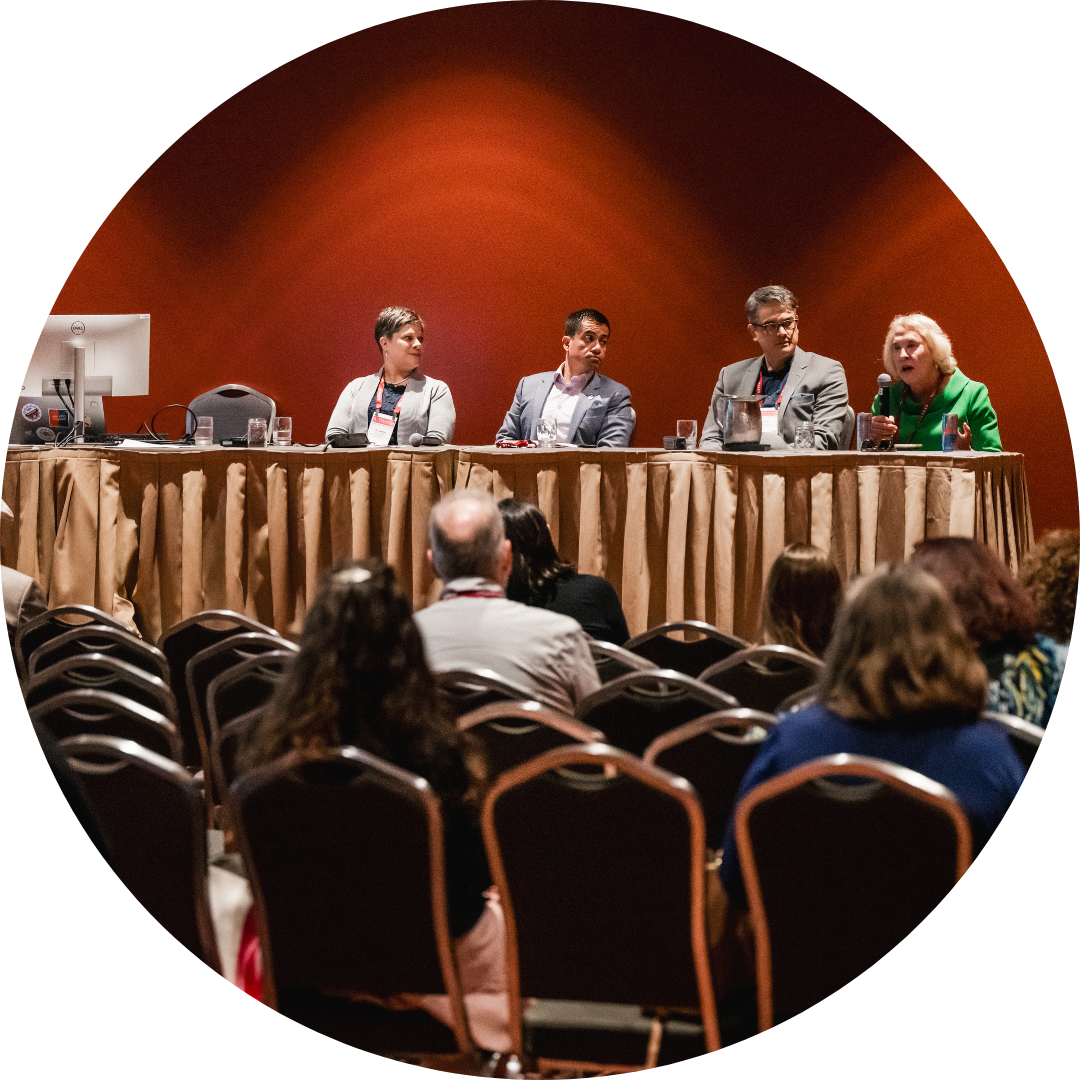
We love panels! However, there are some important do’s and don’ts to having a successful one. For example, having an experienced moderator is a must. A skillful, knowledgeable moderator will bring out the best in your panelists and keep the session on track. We encourage you to use these tactics to fulfill your panel’s potential:
Past annual conference survey results tell us that the #1 reason individuals attend is for the networking and valuable contacts they make during the event. Some great ways you as the presenter can continue your session conversation:
- Offer opportunities for follow-up: Provide contact information (email, social media) so attendees can reach out with additional questions or for further discussion.
- Schedule a Braindate. These are one-on-one or small group knowledge-sharing conversations that you book with other conference participants using the Braindate platform at the annual conference.
- Follow up with value-added contact: Ask attendees to share their contact information with you (make this optional) to send them emails, newsletters, or links to blogs/articles related to your presentation topic.
- Utilize the conference app! Encourage attendees to reach out to you via the app’s Connections tab.
- Engage on social media: Create a unique hashtag for your presentation or encourage attendees to connect on platforms like LinkedIn to continue the discussion and share related content.
Logistics (Meeting Room Setup, AV—and More!)
All education breakout sessions will be held at the Music City Center (201 Rep. John Lewis Way S, Nashville, TN 37203).
Meeting room assignments: These will be assigned in mid-September and published within your session listing in the online agenda. A meeting room diagram will be shared with you at this time as well.
Room sets: These will be based on your session format
- Featured Sessions: The featured session room will be set theater-style with some round table seating at the front. There will be a standing lectern and head table at the front of the room.
- Presentations and Panels: The majority of the rooms will be set theater-style or theater with some round tables dispersed in the room. There will be a head table and chairs for presenters and a standing lectern at the front of the room. Some rooms have risers for the lectern and head table.
- Preconference Workshops: These will be set in all rounds, with a head table and chairs for presenters and a standing lectern at the front of the room.
- Meet-Ups/Open House: This area will be set with multifunctional furniture - ideal for small to medium size group conversations.
Note: Room assignments and layouts/room sets are subject to change for logistical reasons.
Session rooms vary in size but will hold anywhere from 95 to 500 people. The room assigned for your presentation will depend on your topic and format. We cannot anticipate how many people will attend your session, and seating is first-come, first-served. (Preconference workshops are the exception.)
All of the session rooms will have the following standard audiovisual setup, which includes:
- (1) Sound system setup to room & audience size
- (1) Audio Mixer
- (1) Computer DI (Laptop Audio)
- (1) 16:9 Screen
- (1) 5000 lumen LCD Projector
- (1) Projector Cart w/ Skirt
- (1) Wireless Presentation Mouse
- Computer – Dell Laptop (presentation laptop)
- IMPORTANT: It is required that all presenters use the provided laptop computer for their presentation. We are utilizing the Orchestrate Presentation Management System and your presentation will be uploaded directly to the laptop in your meeting room.
- Computer Monitor – 19” LCD (presenter view)
Microphones:
- (1) wireless lavalier
- (1) wireless handheld
- (1) wired microphone at lectern
Internet access
- Wireless internet access
The following will NOT be provided:
- Any adapters/dongles that you may need.
- Slide advancer. If you use a slide advancer, please BYOC (bring your own clicker)! (You will have a presentation mouse at the lectern.)
EDUCAUSE is not able to accommodate additional requests outside of the standard AV. If you have any questions or concerns regarding the AV provided, it is important to contact EDUCAUSE as soon as possible.
Yes, due to the informal, interactive nature of the meet-ups/open houses, we have created a space just for these gatherings! There are four main areas within EDUCAUSE Commons: 1) Teaching & Learning Central; 2) Cybersecurity & Privacy Central; 3) Enterprise Central; 4) EDUCAUSE Central. The first three areas will have access to the below AV, and is intended for general announcements only:
- (1) Wireless handheld microphone
- (1) Sound system
- Wireless internet access
Note: EDUCAUSE Central will have additional AV since the sessions within this hub are presentations and generally not meetups/open houses.
Yes, wireless internet access will be available for both presenters and attendees. The connection speed will be sufficient to access and navigate web pages and email.
Yes, there will be a Speaker Ready Room with EDUCAUSE and tech staff available to assist you in Meeting Room 202, Level 2.
Here are a few things you will be able to do in this room:
- Upload your presentation to the presentation management platform
- Make last-minute changes to your presentation
- Practice your presentation using similar AV equipment that will be provided in your breakout room
- Get help with technology questions
- Meet with your co-presenter(s) to review your presentation
- Pick up your "presenter" ribbon for your name badge and speaker gift.
- Enjoy snacks and beverages (for presenters only!)
Hours:
- Monday, 7:00 AM–4:30 PM
- Tuesday, 7:30 AM–4:30 PM
- Wednesday, 7:30 AM–4:30 PM
- Thursday, 8:00 AM–10:00 AM
We have made it easy to let your colleagues and friends know you are presenting. All presenters are receiving a series of emails that contain access to a unique, branded landing page and templates to share across social media and email about their session and #EDU25. We're excited to see the increased success this campaign will surely bring to your presentation!