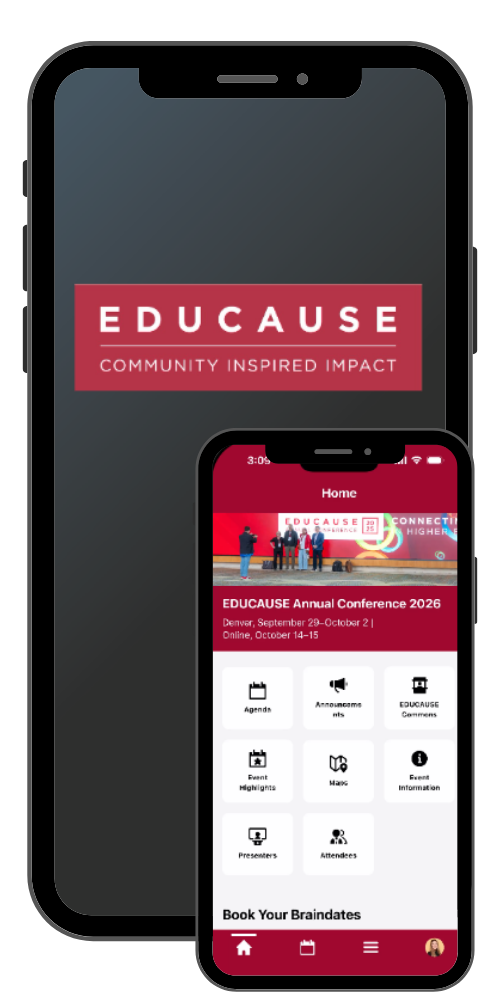
The all-new EDUCAUSE Events mobile app is your go-to guide for everything you need to navigate the EDUCAUSE Annual Conference.
You'll need the mobile app to:
✓ View the sessions and create your schedule
✓ View the venue maps
✓ Explore the exhibitor directory and EDUCAUSE Commons map
✓ Book your braindates
✓ Connect with other attendees and exhibitors
✓ Receive important event notifications
No printed agenda will be provided on-site. Download the mobile app for full event details.
Download the App
-
Download the EDUCAUSE Events app for your device or use the web version.
-
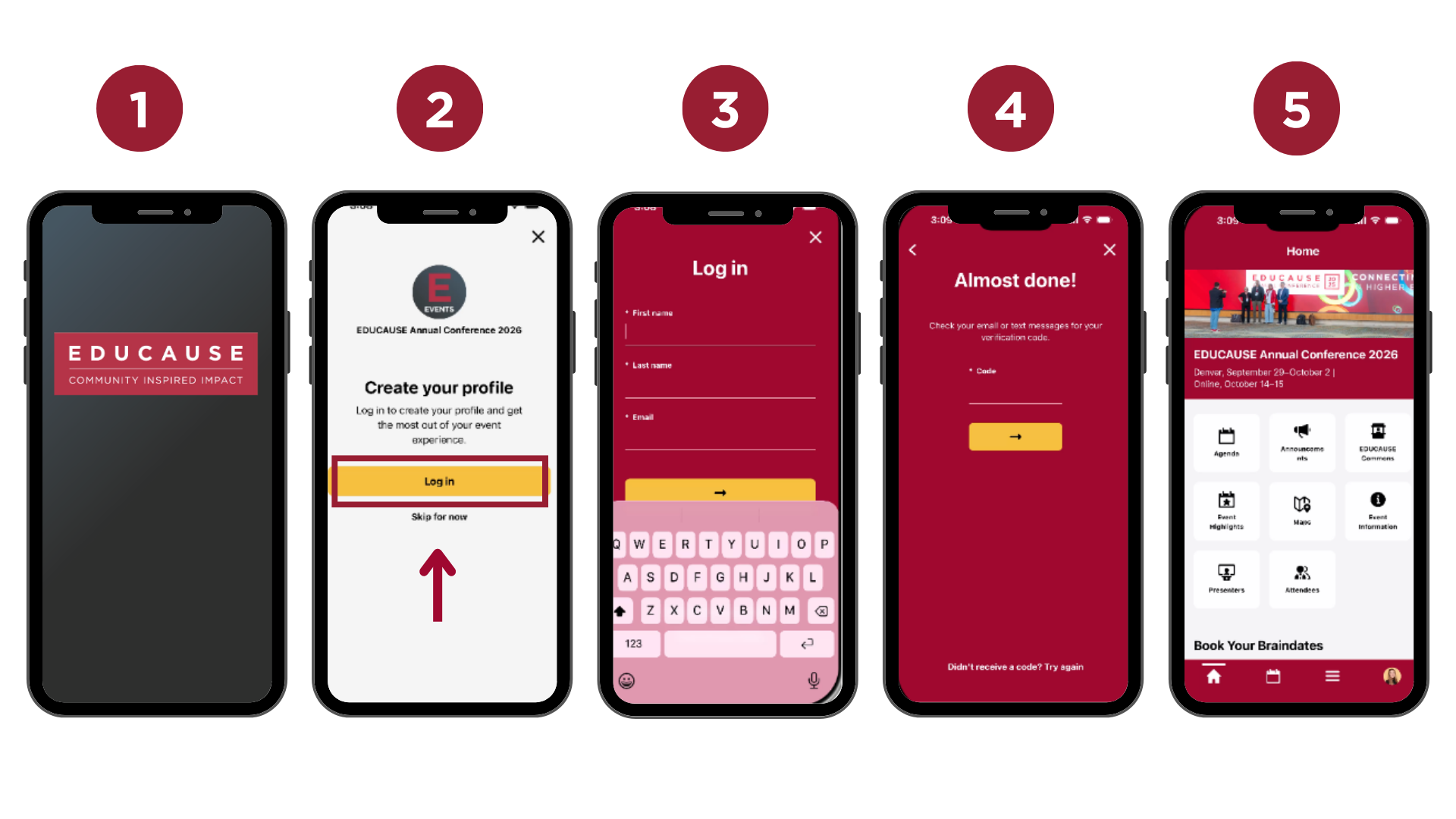
Sign in to the app using the email you used to register for the conference.
-
Select the "EDUCAUSE Annual Conference 2026" event and fill out your mobile app attendee profile. Select a few interests to receive recommended sessions and attendee connections.
-
You're now ready to use the mobile app!
App Highlights

Create Your Schedule
-
View the daily schedule
-
Explore sessions
-
Filter sessions by program track
-
Add sessions and activities to your schedule
-
View presenters bios
-
Evaluate sessions

Connect with Attendees & Exhibitors
-
Share contact information
-
Message other attendees
-
Book appointments (Please note: you may only book appointments with attendees that have made their app profile public.)
-
Book Braindates

Navigate the Conference
-
View the venue and EDUCAUSE Commons maps
-
Explore the event highlights
-
Participate in the event scavenger hunt
-
Receive timely event notifications
Helpful Tips
- Sign in using the email address you used to register for the conference.
- Ensure that you have the latest app version downloaded.
- For the best experience, use the mobile version on a mobile device and the web version on a desktop.
- Select a few interests to receive recommended content and attendee connections.
- Allow notifications by adjusting your phone settings to receive important event updates.
- Update your mobile app profile privacy settings to ensure you appear in the attendee list and are able to book appointments with others.
Download the Mobile App


View the Web Version

Access the web version of the mobile app. Once you sign in your information will be saved and you can pick up where you left off in the mobile app version.
Access Web Version
